How to Connect Sound System Equipment Right
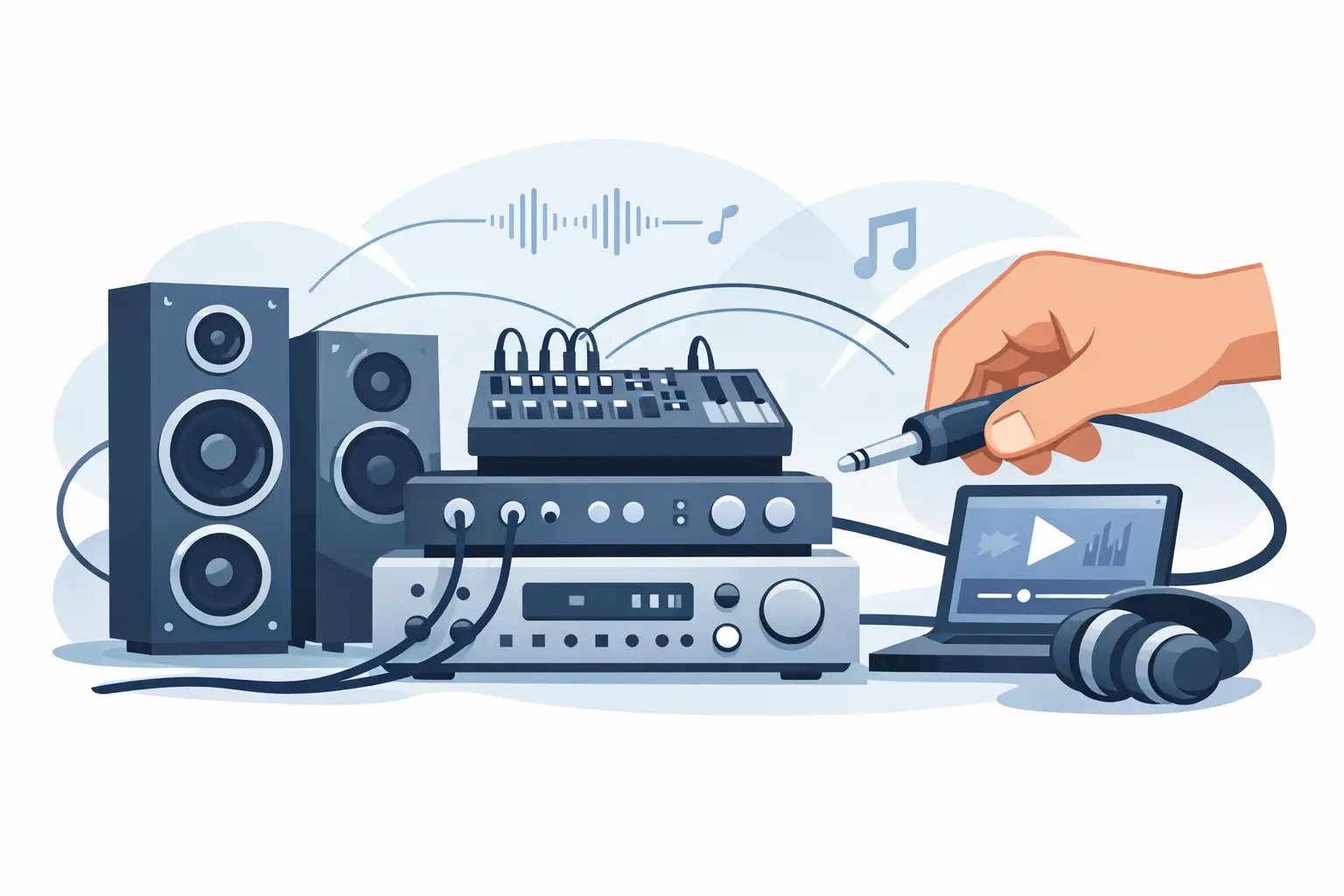
A sound system usually fails for simple reasons, not dramatic ones. A cable is in the wrong output, powered speakers get fed speaker-level signal, or the mixer gain gets pushed too hard before anyone checks the room. If you are figuring out how to connect sound system equipment for a wedding, conference, school event, or live show, the goal is not just to make noise. It is to build a signal path that is clean, stable, and easy to manage once guests arrive.
That matters because every event has a different risk profile. A keynote needs speech clarity and feedback control. A DJ setup needs consistent low end and enough headroom to stay clean when the room fills up. A band needs monitor mixes, proper gain structure, and enough inputs to avoid patching compromises. The wiring is only part of the job. The real work is matching the right gear and connection method to the event.
How to connect sound system gear in the right order
The easiest way to think about audio is to follow the signal from source to audience. Your sources are microphones, laptops, media players, instruments, and wireless receivers. Those sources feed a mixer. From the mixer, the signal goes either to powered speakers directly or to amplifiers that drive passive speakers. If you are using subwoofers, crossovers, or a DSP processor, those sit between the mixer and the speaker system depending on the setup.
That order matters. Microphones and playback devices send low-level or line-level signals. Speakers need a much stronger signal. If you send the wrong signal type to the wrong device, the system may sound weak, distorted, or not pass audio at all.
In most small and mid-size event setups, the path looks like this: mic or playback device into the mixer, mixer main output into powered tops and subs, then monitor sends from the mixer to stage monitors if needed. In a passive system, the mixer feeds amplifiers, and the amplifiers feed the speakers with speaker cable, not XLR mic cable.
Start by identifying your speaker type
Before you connect anything, confirm whether your speakers are powered or passive. This is the first fork in the road, and it changes the rest of the setup.
Powered speakers have built-in amplifiers. They need AC power and usually accept XLR or quarter-inch line-level input. These are common for corporate events, weddings, smaller stages, and fast-turn setups because they reduce extra rack gear and simplify cabling.
Passive speakers do not have built-in amplification. They must connect to a separate amplifier using speaker cable. This approach is still common in larger systems and some installed venues because it offers flexibility, but it also adds more points where the setup can go wrong if the patching is rushed.
If you are unsure, do not guess. Check the back panel. If the speaker has a power inlet and input gain controls, it is almost certainly powered.
Connect sources to the mixer first
Once you know your speaker path, build the front end. Plug microphones into mic inputs on the mixer using XLR cables. Connect laptops, phones, or media players through a proper playback interface or DI box when needed, especially if the source is unbalanced or prone to noise.
This is where many event setups start sounding rough. Consumer devices often output a stereo mini jack signal, while mixers expect balanced inputs or dual mono channels. Adapters can work, but they are not all equal. Cheap adapters are a common source of buzz, weak signal, or intermittent playback.
Wireless microphone receivers should usually feed line-level inputs or properly configured combo inputs on the mixer. Instruments may need DI boxes before hitting the console, particularly keyboards, acoustic pickups, or anything running a long cable distance. The closer you match the source to the correct input type, the cleaner the system will behave.
Connect the mixer to speakers or amps
Now connect the mixer outputs. For a powered speaker system, use the main left and right outputs from the mixer into the inputs of your powered speakers. In some setups, especially for speech-only events, you may run mono instead of stereo. That is often the better choice if the audience is spread wide and you want everyone hearing the same content clearly.
If you are using powered subs, the signal flow depends on the subwoofer design. Many powered subs have built-in crossover routing. In that case, the mixer output goes into the sub first, then the sub passes the appropriate high frequencies to the top speakers. Other systems use an external DSP or speaker processor to split frequencies before they reach the speakers.
For passive systems, the mixer output feeds the amplifier inputs. Then the amplifier outputs feed the speakers. This is where you need to pay attention to impedance, amp channel assignment, and cable type. Speaker outputs carry amplified signal and require proper speaker cable with the right connectors. Using mic cable here is not a shortcut. It is a failure point.
How to connect sound system controls without creating noise
Good audio is not just about getting signal from point A to point B. It is also about avoiding hum, buzz, hiss, and feedback. Most of that starts with cable discipline and gain structure.
Keep power cables separate from audio cables when possible. Cross them at right angles if they must meet. Use balanced connections for longer runs. If a laptop introduces a hum, a DI box with ground lift may solve it, but sometimes the issue is power-related rather than audio-related.
Set input gain on each channel before pushing output levels. Bring the channel source up to its normal speaking or playback level, then adjust gain so the signal is strong but not clipping. After that, build your mix with channel faders and the main output. If gain is too low, the system can sound thin and noisy. If gain is too high, distortion starts long before the main meters look dangerous.
This is also why quick soundcheck matters. An empty ballroom, outdoor lawn, and crowded reception tent all respond differently. The same connected system may need a different EQ approach in each environment.
Don’t forget monitors, zones, and playback needs
A lot of event planners think of the main speakers first, but many real-world setups need more than front-of-house coverage. Presenters may need confidence monitors. Performers may need stage wedges or in-ear monitor sends. A breakout room may need separate volume control. A lobby feed may need delayed or independent playback.
That is where mixer aux sends, matrix outputs, or DSP routing become important. If the event has multiple rooms or coverage areas, do not just split signal blindly. One room may need speech only while another needs full program audio. One zone may need lower volume because it is near registration or catering.
These are the details that make a system feel professional. Anyone can connect a pair of speakers. Building a system that supports the actual flow of an event takes planning.
Power-up and shutdown order matters
Even a correctly wired system can pop loudly if you power it in the wrong sequence. Turn on sources first, then the mixer and processing, then amplifiers or powered speakers last. That keeps startup noise from hitting the speakers at full force.
At shutdown, reverse the order. Turn off speakers or amps first, then mixer and processing, then source devices. It takes a few extra seconds and helps protect both the audience experience and the gear.
When a simple setup is not actually simple
A two-speaker setup for a backyard reception may be straightforward. A general session with panel mics, walk-in music, video playback, confidence monitors, recording feeds, and overflow audio is not. On paper, both are just sound systems. In practice, they require very different planning, equipment, and operator support.
That is why event audio often becomes a staffing decision as much as an equipment decision. If your schedule is tight, your presenters are not technical, or your show has multiple audio cues, having a crew manage setup and live mixing can prevent small issues from becoming public ones. For larger events in markets like Los Angeles, San Diego, San Francisco, or Las Vegas, that operational support often matters as much as the speakers themselves.
GeoEvent works with clients on both sides of that equation, from straightforward rentals to full-service production support, because some teams just need gear and others need a partner who can own the whole signal path.
A practical final check before guests arrive
Once everything is connected, test every source one at a time. Speak into each mic. Play audio from each laptop or playback device. Walk the room and listen for dead spots, harsh reflections, or weak coverage. Confirm monitor sends. Label anything that might need a quick adjustment during the event.
The best sound system setup is not the one with the most equipment. It is the one that matches the event, stays stable under pressure, and gives you enough control to solve problems before the audience notices them. That is the standard worth aiming for every time.