Best AV Setup for a Keynote Presentation
A keynote can have a strong speaker, a thoughtful message, and a full room, then still lose momentum because the first slide is dim, the walk-on music misses its cue, or people in the back cannot understand a word. The best AV setup for keynote presentations is not defined by having the most equipment. It is a coordinated production plan that makes the presenter easy to hear, the content easy to see, and every transition feel intentional.
For corporate meetings, conferences, trade shows, and leadership events, the right setup starts with the room and the audience, not a prebuilt equipment package. A 75-person ballroom, a 500-seat general session, and an outdoor product launch need very different systems. The goal is the same: give the keynote speaker a reliable platform and give attendees a polished experience from the moment they enter.
Start With the Keynote Format and Room
Before selecting microphones, screens, or lighting fixtures, define how the keynote will actually run. Is it a single executive speaking from a lectern? A founder delivering an energetic, walk-and-talk presentation? A moderated conversation with guests on stage? The answers affect microphone choice, stage layout, confidence monitors, playback, and staffing.
Room dimensions matter just as much. Low ceilings can limit screen size and lighting positions. Bright windows can weaken projection. Ballroom columns can create obstructed sightlines. Outdoor spaces introduce wind, ambient noise, daylight, and power distribution concerns. A professional site survey identifies those issues early, when they can still be solved without changing the event plan at the last minute.
Audience size should guide every major decision. Attendees at the back should receive the same message as those in the front. That may mean adding delay speakers in a long room, choosing LED video walls over projection in a bright environment, or raising the stage so the speaker remains visible above seated heads.
Audio: Make Every Word Easy to Hear
For most keynotes, audio is the first priority. If guests cannot hear the speaker clearly, strong visuals and attractive staging will not rescue the experience. The sound system should provide even coverage across the room at a comfortable level, without overwhelming nearby seating or producing distracting feedback.
A wireless lavalier microphone is a practical choice for a presenter who needs both hands free or wants to move around the stage. A headset microphone typically delivers more consistent sound for an active speaker because the capsule stays close to the mouth as they turn their head. A handheld wireless microphone can work well for a formal address, audience Q&A, or a speaker who prefers a familiar format.
The best choice depends on wardrobe, movement, speaking style, and the event environment. A lavalier can be discreet, but it is more sensitive to clothing noise and placement. A headset is highly dependable for a high-energy presenter, though some speakers may prefer a less visible option. These details should be discussed during rehearsal, not five minutes before doors open.
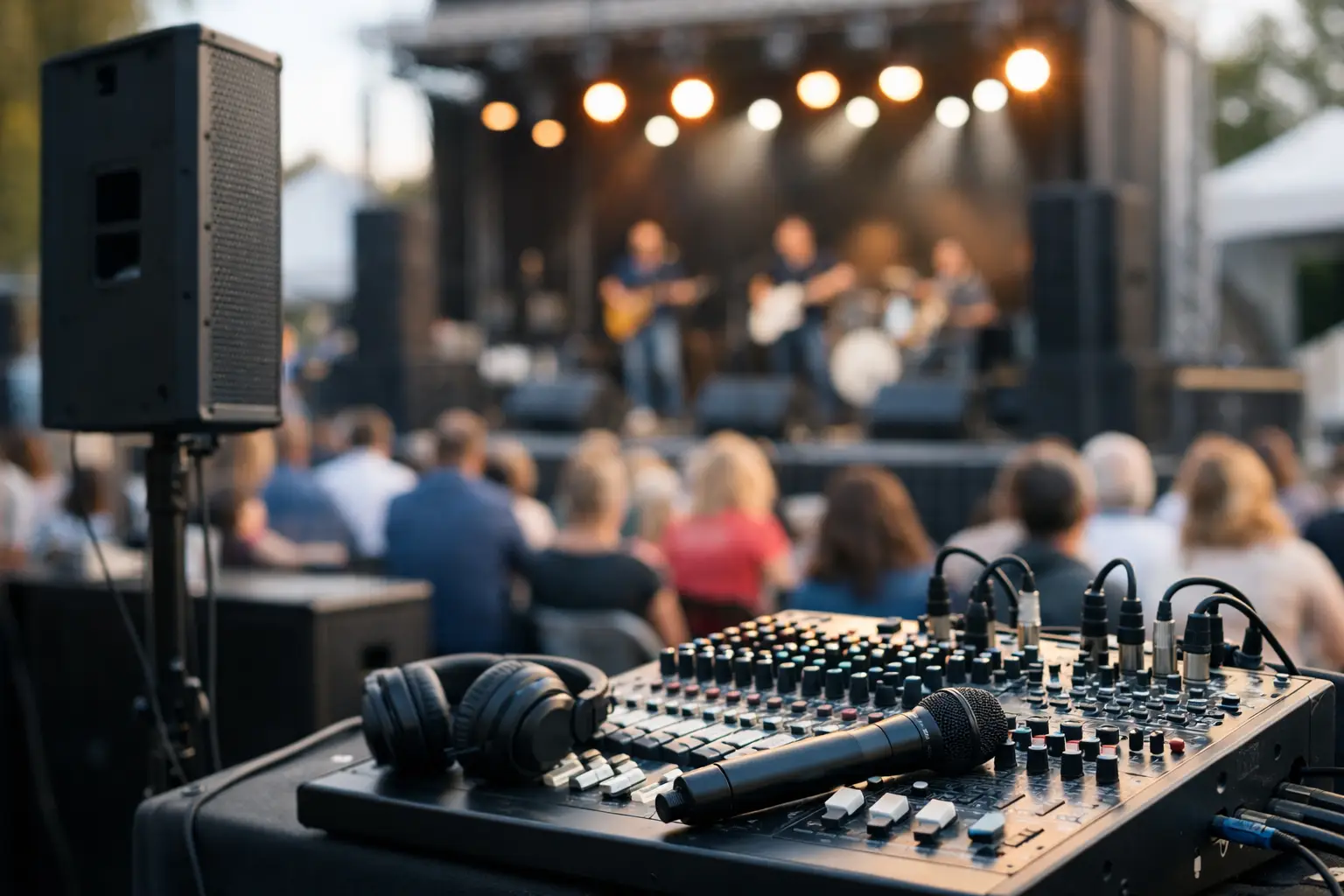
A complete keynote audio plan also includes a properly sized speaker system, a digital mixing console, playback for walk-on music and video audio, and spare wireless channels. For larger rooms, an audio engineer should mix the program live. They can adjust levels as speakers change, manage video playback audio, and respond quickly if a microphone needs to be replaced.
Visuals: Choose Screens for Sightlines, Not Just Size
The presentation screen is where attendees connect the speaker’s message to the material behind them. A screen that looks large from the stage can be too small from the back row. In most keynote environments, the screen image should be large enough for attendees to read critical text and see charts without straining.
Projection remains an effective, budget-conscious choice for controlled indoor spaces. It works especially well in ballrooms with limited ambient light and for events where a large image is needed without the cost of an LED wall. The trade-off is that projection loses contrast in bright rooms, and projector placement must be planned around rigging, throw distance, and guest sightlines.
LED video walls are often the better option for bright venues, large general sessions, and camera-forward events. They produce a vivid image under stronger room lighting and can be configured to fit a custom stage design. They also require proper pixel pitch selection, structural support, signal processing, and qualified installation. An LED wall is not automatically the right answer for every keynote, but it can make a major difference when visibility is non-negotiable.
For many corporate stages, dual side screens are more useful than one center screen. This layout keeps the speaker visually central while giving guests on both sides of the room a clear view. A center LED wall can create a powerful focal point, particularly for product launches and executive presentations. The right layout depends on the stage width, seating pattern, and how much of the screen content needs to be seen at once.
Presentation Playback Needs a Dedicated Plan
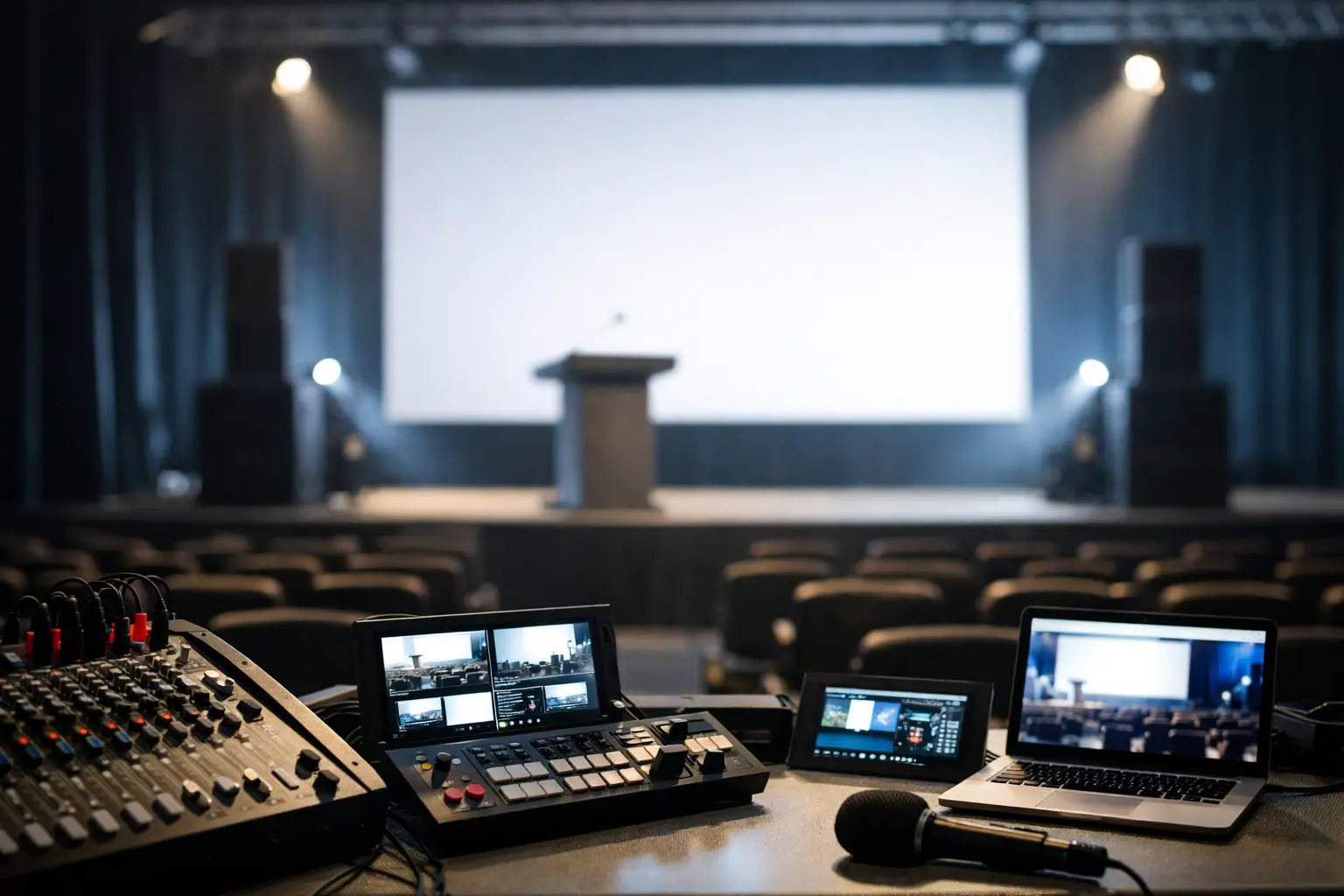
A keynote deck should never rely on a single laptop and a hopeful Wi-Fi connection. Use a presentation switcher, professional video playback system, and tested adapters for every presenter device. Build in a backup computer with the final presentation file, the right fonts, embedded videos, and any required audio.
Confidence monitors are equally valuable. These downstage-facing displays let the speaker see slides, notes, timers, or remote participants without turning toward the main screen. For a first-time presenter, a confidence monitor can reduce anxiety. For an experienced executive, it helps maintain eye contact and control pacing.
Lighting That Supports the Speaker and the Camera
Keynote lighting should direct attention to the speaker while preserving enough stage depth to make the room feel intentional. A basic wash of front light is often not enough, particularly when the keynote is being recorded, streamed, or shown on an in-room screen.
A strong setup usually combines even front lighting, backlight for separation from the background, and controlled color accents that support the event brand. The speaker should be properly lit from the audience perspective and on camera. Avoid placing bright LED screens directly behind a presenter without considering exposure. Cameras may compensate for the screen brightness and leave the speaker looking dark.
Lighting also needs to work with the presentation content. If the deck includes dark slides, overlighting the stage can make screen imagery appear washed out. If the event includes walk-on moments, award announcements, or a panel after the keynote, the lighting programmer should have those looks ready in advance.
Stage Design Creates Authority and Comfort
A keynote stage does not need to be oversized to look professional. It needs the right height, width, access, and visual balance for the room. A low stage can work in an intimate meeting, while a larger audience may require a raised platform so every attendee can see the speaker.
Plan the speaker’s path. They need clear access to the stage, a safe route around monitors and cable runs, and enough open space to move naturally. If a lectern is used, it should be placed where the presenter is visible and does not block the screen. For a conversational keynote, lounge furniture, stools, or a small interview set may serve the format better than a lectern.
Branding should add focus rather than compete with the message. A clean scenic backdrop, properly placed logos, and coordinated stage colors can elevate the room. Too much visual clutter, however, divides attention and can make camera framing more difficult.
Build Redundancy Into the Best AV Setup for a Keynote
Live events do not allow for a pause while someone searches for an adapter or restarts a laptop. The best AV setup for a keynote includes reasonable backups for the equipment and signals that would cause the greatest disruption if they failed.
For a high-stakes keynote, that usually means spare microphones and batteries, a backup presentation computer, duplicate presentation files, backup playback paths, and power protection for critical systems. Larger programs may also require redundant video switching, spare projectors, or backup network options for virtual presenters.
Not every event needs every layer of redundancy. A short internal meeting with a single presenter has a different risk profile than an investor conference or a national sales kickoff. The practical approach is to identify the moments that cannot fail, then budget protection around those moments.
Rehearsal and On-Site Crew Make the Difference
Equipment is only half the production. A keynote requires people who can prepare the room, test every source, coordinate with the presenter, and operate the show without pulling attention away from the content.
A proper rehearsal checks microphone fit, slide clicker response, video playback, walk-on music, confidence monitor content, lighting positions, and timing. It is also the time to confirm pronunciation, presenter entrances, Q&A handoffs, and any changes to the final deck. If the speaker cannot attend a full rehearsal, the production team should at least test the exact presentation file and establish a clear show flow with the event lead.
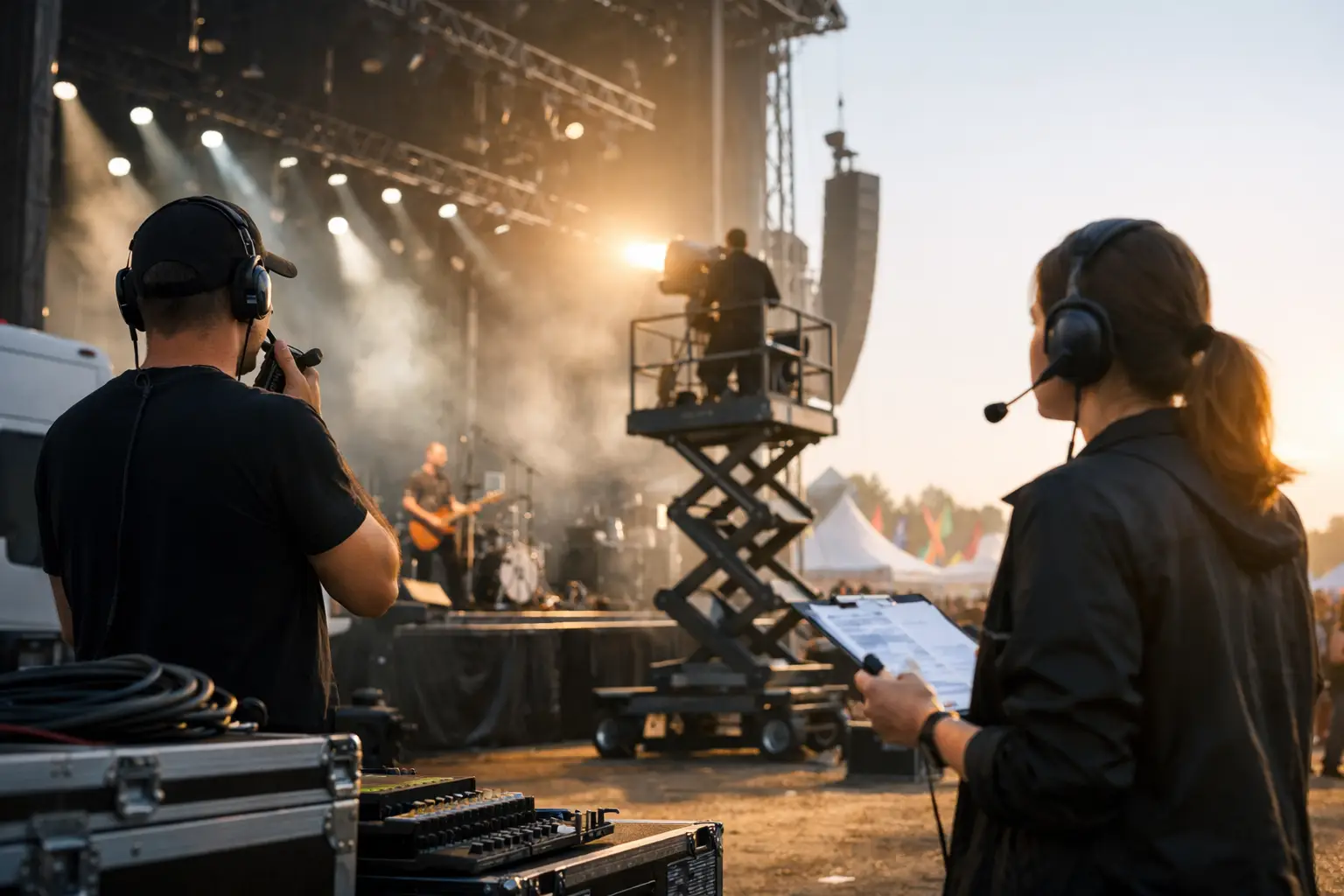
During the event, an audio engineer, video technician, lighting operator, and stage manager may be appropriate depending on the program’s complexity. For a smaller keynote, a cross-trained technician may cover multiple systems. For larger productions, assigning dedicated operators reduces risk and gives the client one accountable team for every cue.
GeoEvent helps planners match AV rentals, staging, visual systems, and experienced crew support to the actual demands of the keynote, whether the event is in Los Angeles, San Diego, San Francisco, or Las Vegas.
A successful keynote should leave attendees talking about the message, not the microphone, the screen, or the technical recovery behind the scenes. Give the speaker a tested stage, give the audience clear access to every word and visual, and let a prepared production team carry the responsibility when the room goes live.