Large Screen Rental Guide for Live Events
A screen that looks great in a quote can still fail in the room. The usual problem is not the panel itself. It is choosing the wrong display type, the wrong size, or a setup plan that ignores sightlines, daylight, power, and content formatting. This large screen rental guide is built to help planners avoid those expensive mistakes before load-in day.
Whether you are producing a conference general session, an outdoor festival, a wedding reception, or a trade show booth, the right screen does more than show content. It shapes how clearly your audience sees, how polished your event feels, and how much technical risk you carry on show day. The best rental decision is rarely about getting the biggest screen possible. It is about matching the display to the venue, audience, and run of show.
What counts as a large screen rental?
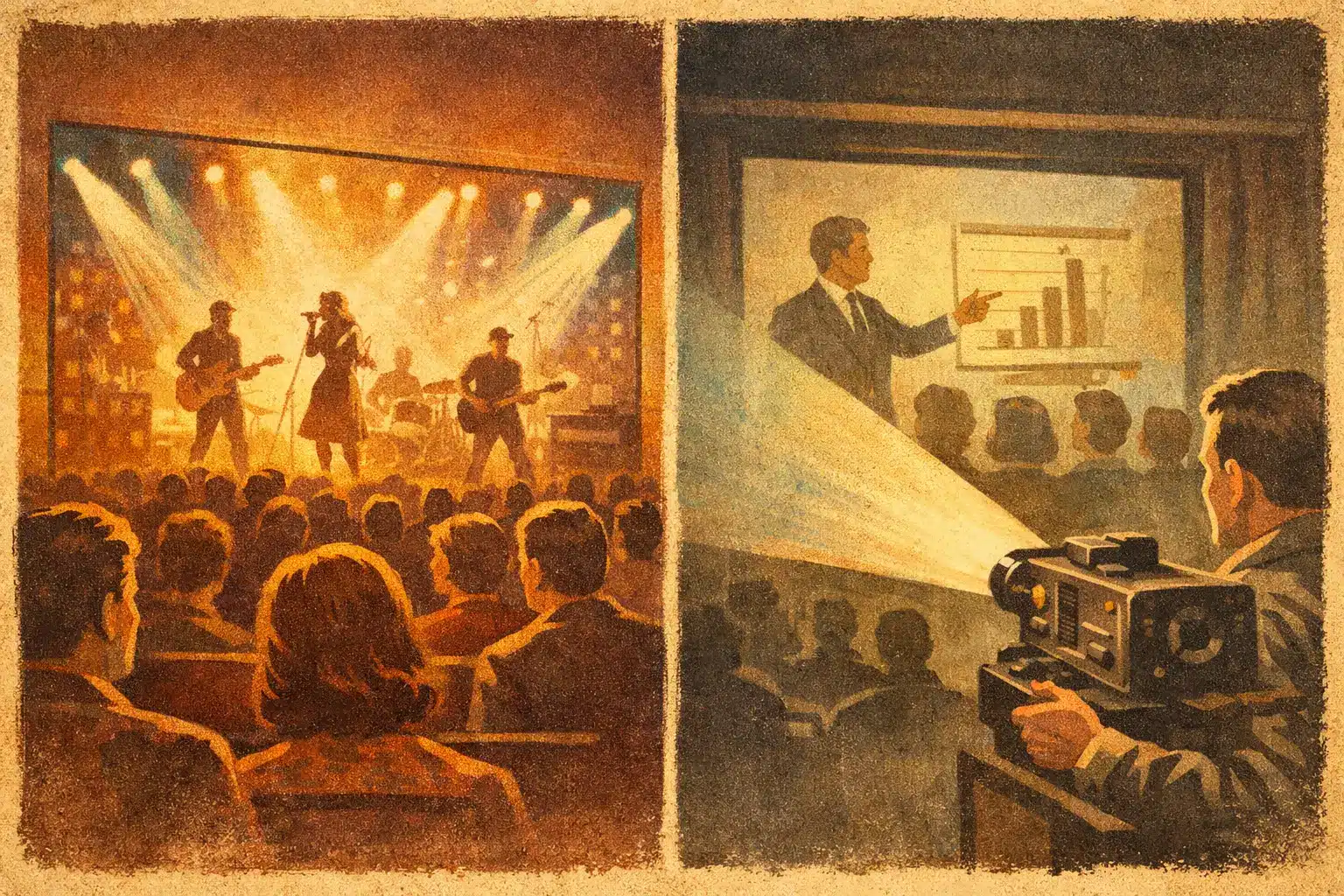
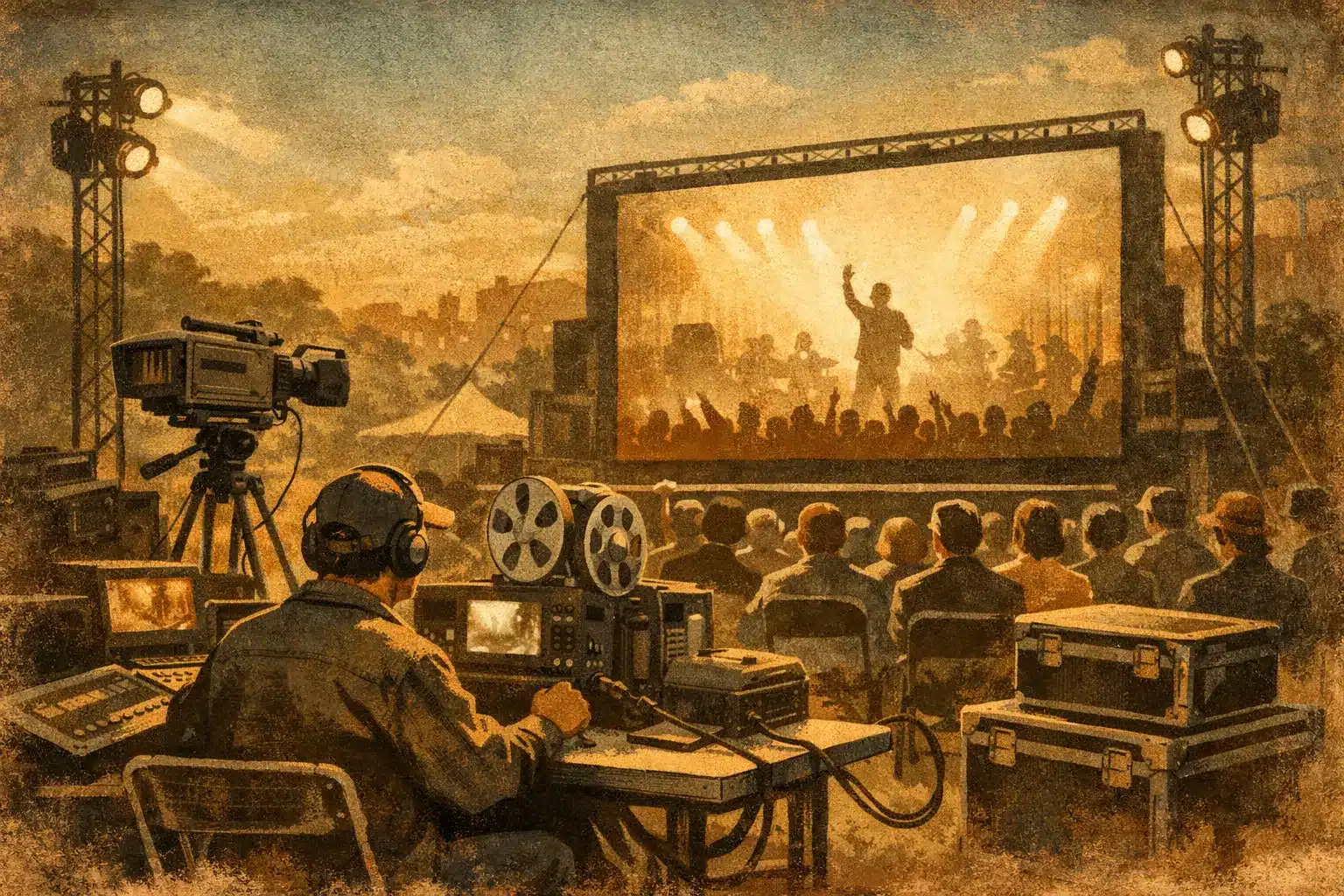
In event production, “large screen” can mean several different things. For a ballroom presentation, it may be a fast-fold projection screen with a projector package. For a lobby activation or sponsor wall, it may be a large-format TV. For a high-impact stage backdrop or outdoor presentation, it often means an LED video wall.
Those options are not interchangeable. Projection can be cost-effective and works well indoors when lighting is controlled. Large TVs are simple and sharp at close range, but they become limiting as audience size grows. LED walls are bright, scalable, and strong in challenging conditions, but they require more planning, more support, and usually a larger budget.
That is why a good rental conversation starts with use case, not product category. A keynote screen has different demands than a wedding slideshow. A sponsor reel running all day in a convention hall needs a different solution than IMAG support for a concert.
Large screen rental guide: choose the right display type
If your event is indoors and lighting can be managed, projection may still be the most practical route. Projection screens are common for conferences, galas, school events, and corporate meetings because they can cover a wide image area at a relatively efficient cost. The trade-off is brightness. If the room has strong ambient light, windows, or scenic lighting pointed toward the screen, the image can wash out quickly.
Large-format TVs work best when viewers are relatively close and the content needs to look crisp. They are often a smart fit for breakout rooms, registration areas, trade show displays, and smaller social events. Setup is usually simpler than projection or LED, but scaling is limited. Once the audience gets farther away, even a large TV can feel undersized.
LED video walls are the premium option when visibility matters most. They perform well in bright rooms, outdoor settings, and high-impact stage designs. They also offer flexibility in shape and size, which helps when scenic design is part of the experience. The trade-off is that LED is not just a screen rental. It is a system. You need proper rigging or ground support, power planning, video processing, and a crew that knows how to build and operate it correctly.
Size is not a guess
The most common planning mistake is sizing a screen based on what looked good at another event. Screen size should be driven by the farthest viewer, the type of content, and the room layout.
If the audience mainly watches video, you can often get away with a different sizing standard than if they need to read spreadsheet text, panelist name graphics, or dense presentation slides. Fine text demands more image clarity and more thoughtful screen placement. A screen that feels dramatic for playback reels may still be frustrating for a data-heavy keynote.
Ceiling height matters too. In hotel ballrooms and many indoor venues, the real limit is often vertical clearance, not budget. Outdoors, the issue shifts toward viewing distance, wind considerations, and whether the screen needs to remain visible before sunset.
A dependable vendor will ask how many attendees you expect, how the room is oriented, whether there will be center and side seating, and what content will actually be shown. If that conversation does not happen, there is a good chance the recommendation is being built around inventory, not audience experience.
Brightness, resolution, and pixel pitch
These terms get thrown around a lot, but they matter because they directly affect what guests see.
For projection, brightness is a major factor. A projector that looks fine in a dim setup can struggle once stage wash, house lights, or daylight enter the picture. That is why lumen output should be chosen based on venue conditions, not just screen size.
For LED, pixel pitch is one of the biggest cost and quality variables. A tighter pixel pitch creates a sharper image at closer viewing distances, which is useful for conferences, indoor stage backdrops, and trade show environments where guests may stand near the wall. A wider pixel pitch can still look excellent when the audience is farther back, especially outdoors. Paying for ultra-fine resolution when the nearest viewer is fifty feet away is usually not the best use of budget.
Content type also changes the equation. Motion graphics and live camera feeds are often more forgiving than small text and detailed presentation content. It depends on what your audience needs to read, not just what they need to admire.
The room can make or break the screen
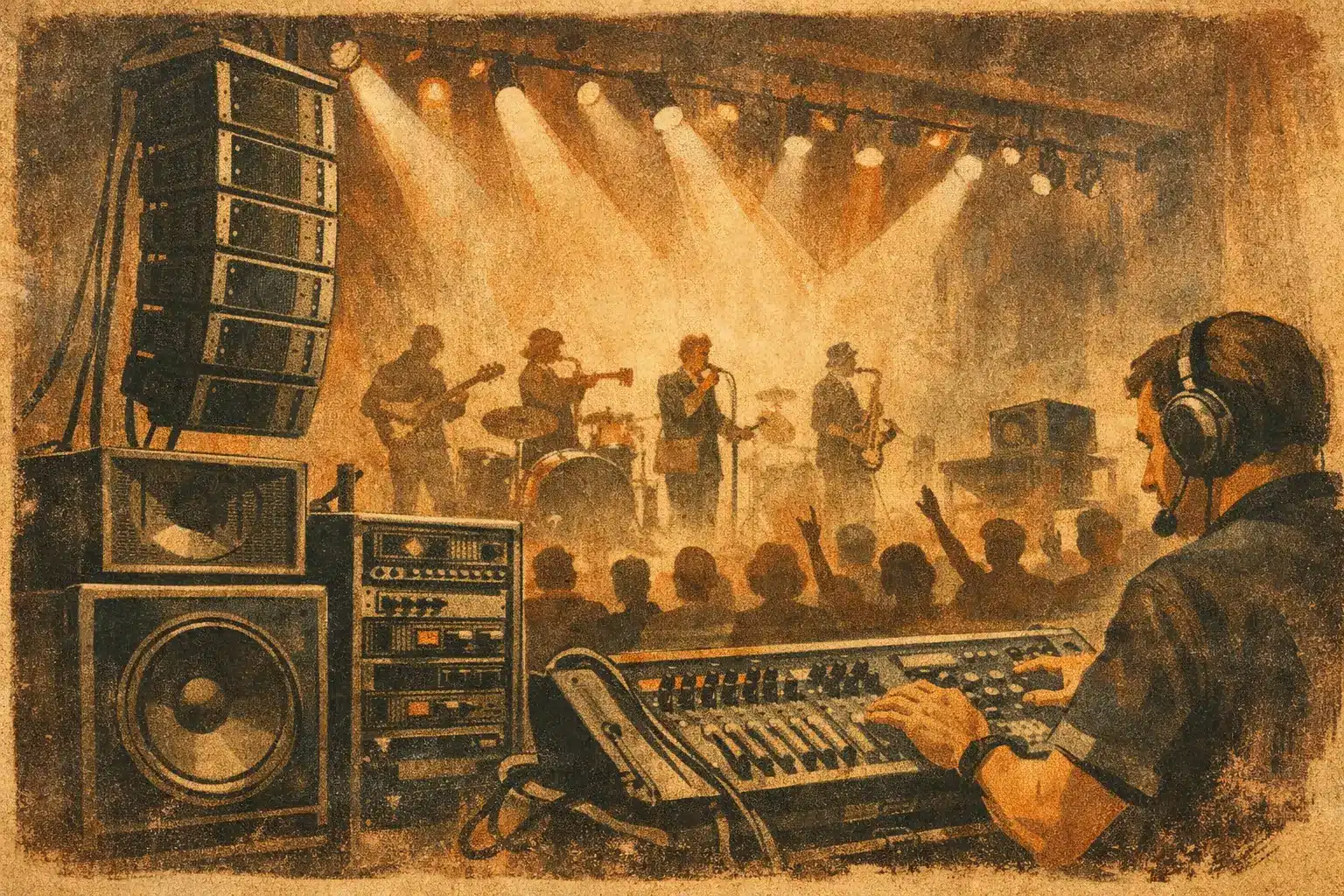
A large screen never exists on its own. It has to work with staging, lighting, audio, and audience flow.
A beautiful LED wall placed too low can create blocked sightlines behind banquet tables. A projection screen near a bright window may force you to compromise room lighting in ways that hurt the rest of the event. A TV placed in a crowded expo aisle may draw traffic but also create congestion if the stand footprint is not considered.
Rigging and support are part of the decision as well. Some screens are flown. Others are ground-supported. Some venues have strict load-in windows, union rules, or weight restrictions that affect what is realistic. This is where working with one production partner helps. Instead of treating video as a separate rental, the screen plan can be coordinated with stage design, lighting angles, power distribution, and the show schedule.
Do not overlook content and signal flow
A large screen only performs as well as the content sent to it. This is where many event teams lose time.
Presentation decks may be built in the wrong aspect ratio. Videos may be exported at the wrong resolution. Sponsor logos may look stretched on a custom LED canvas. A hybrid event may require multiple outputs at once, with one feed for the room and another for recording or streaming.
Signal flow matters too. Are you switching between laptops, live cameras, playback, and presenter confidence monitors? Does the event need a presentation switcher, scaling, or a dedicated operator? If a speaker arrives with a last-minute device, can the system accept it without stopping the show?
These details are not glamorous, but they are often the difference between a polished event and a stressful one. A strong rental partner will ask for content specs early and build a playback plan that supports the actual show, not just the equipment list.
Budgeting for a large screen rental guide that reflects reality
Clients often ask for a screen quote as if it were a single line item. In practice, the total cost may include the display, support structure, processors, cabling, power distribution, delivery, setup, strike, and technicians.
That does not mean every event needs the biggest production package. It means the quote should reflect what it takes to make the screen work reliably. For example, a simple TV on a stand for a lobby welcome message is very different from a flown LED wall with camera support for a multi-speaker conference.
If you are balancing priorities, be clear about where the screen sits in the attendee experience. For some events, visual impact is the centerpiece and deserves a larger share of budget. For others, a right-sized screen with strong audio, good lighting, and experienced show support creates a better overall result than overspending on display alone.
When full-service support is worth it
Some clients know exactly what they need and just want the equipment delivered and installed. Others need help from concept through teardown. Both approaches can work, but the more moving parts your event has, the more value there is in having one team accountable for execution.
That is especially true for live events with timing pressure, multiple presenters, scenic integration, or outdoor variables. In markets such as Los Angeles, San Diego, San Francisco, and Las Vegas, venues can differ widely in access, labor requirements, and technical restrictions. A production partner who can manage screen selection, setup, show operation, and strike removes a lot of guesswork from the process.
GeoEvent approaches screen rentals that way – as part of the show, not just a shipment of gear. That mindset tends to reduce surprises because the planning includes the people, timing, and support needed to execute under real event conditions.
Questions to ask before you book
Before you approve a large screen rental, ask what display type is being recommended and why. Ask how the screen size was determined, what content specs are required, how brightness will hold up in the room, and what on-site support is included. Ask who is responsible for testing signal flow before doors open and what backup plan exists if a source device fails.
Those questions are not overkill. They are basic protection for your schedule, your audience experience, and your budget.
The right screen should make your event easier to run, not harder to rescue. If the recommendation feels grounded in your venue, your content, and your audience, you are probably on the right track.