Corporate Event Staging Guide for Better Events
A ballroom can look polished at 8 a.m. and feel chaotic by 8:15 if the stage plan is off. One delayed screen feed, a podium in the wrong place, or lighting that flattens every speaker can pull attention away from the message fast. That is why a solid corporate event staging guide matters long before load-in day. Good staging is not just about what the audience sees. It shapes timing, confidence, sightlines, audio clarity, and how professionally your brand shows up in the room.
For corporate planners, producers, and internal teams, staging usually sits at the center of several moving parts. It affects the run of show, AV package, room layout, scenic design, labor schedule, and budget. When the staging plan is built early and tied to the event goals, the rest of production becomes easier to manage. When it is treated as a last-minute add-on, small problems spread quickly.
What corporate event staging actually includes
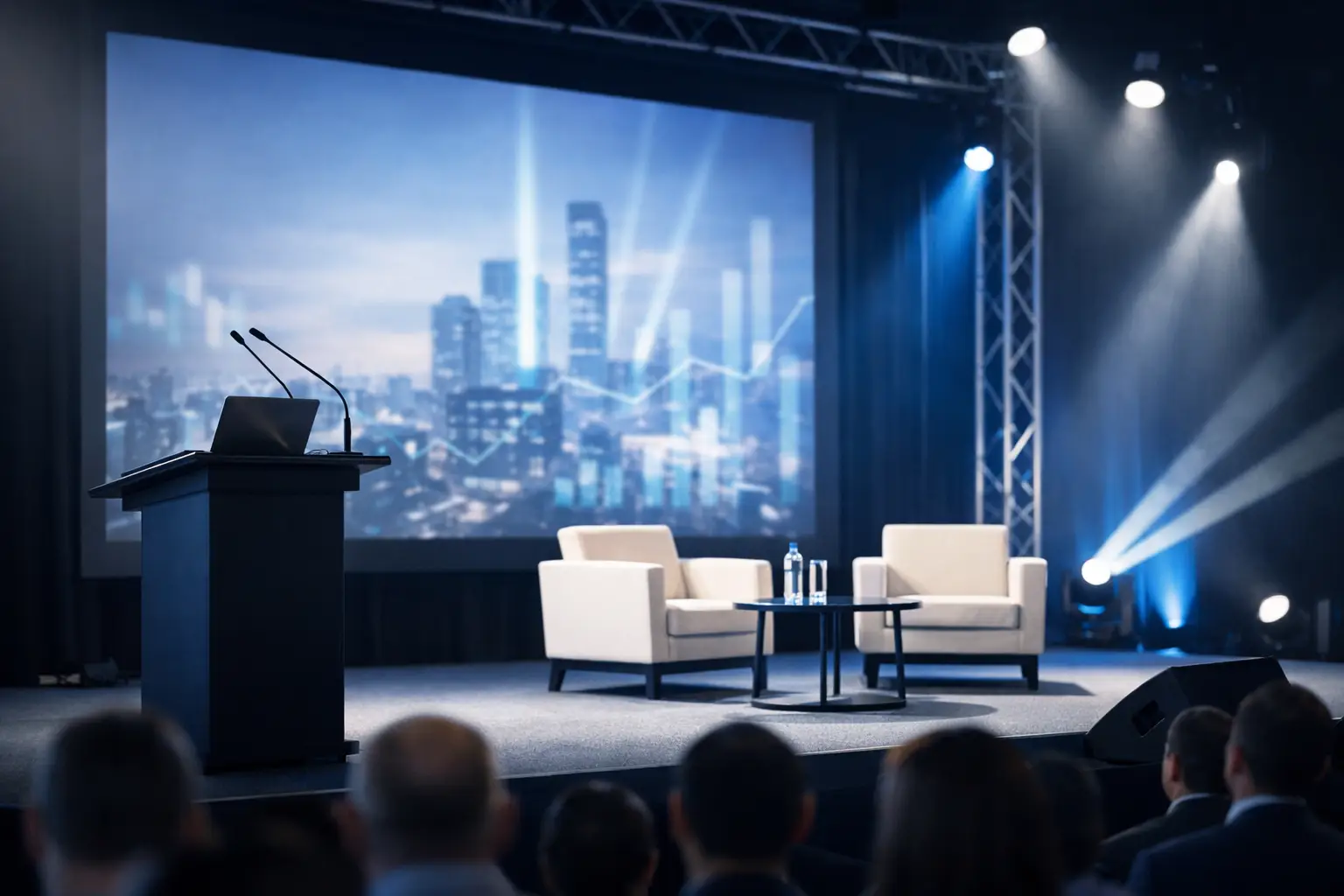
In practical terms, staging covers the physical and technical environment where your program happens. That can mean a simple riser with a branded backdrop for a leadership meeting, or a more involved general session setup with custom scenic, LED walls, confidence monitors, distributed audio, intelligent lighting, and backstage communication.
A useful corporate event staging guide starts by separating what is essential from what is decorative. The stage itself is only one piece. You also need to think about screen placement, presenter movement, audience sightlines, cueing, power distribution, cable paths, and how quickly the room needs to turn between sessions. Many event teams focus first on what will look impressive in photos. That matters, but function should lead. If speakers cannot hear walk-in music cues, if the first row blocks camera shots, or if the center screen is unreadable from the sides of the room, the design is working against the event.
Start with the program, not the gear
The easiest way to overspend is to build a production package before defining the program. A sales kickoff, investor meeting, awards dinner, and product launch may all happen in hotel ballrooms, but they do not need the same stage design or equipment mix.
Start by asking a few direct questions. How many presenters will be on stage at one time? Will they use a podium, sit on furniture, or move freely? Are you showing slides, video playback, live camera feeds, or all three? Is the event being recorded or streamed? Do you need the room to feel formal, high-energy, or understated and executive? Those answers shape the staging plan far more accurately than square footage alone.
This is also where trade-offs become clearer. A larger LED wall may let you skip side screens, but only if the room width and seating angles support it. A low stage can feel more intimate, but it may hurt visibility in a deep room. A clean scenic package may look premium, but if the show includes frequent speaker changes, you may need more backstage access and monitor support than the initial design suggests.
The room sets the rules
Every venue has constraints, and they are rarely minor. Ceiling height affects flown lighting and screen options. Existing rigging points can expand or limit your design. Power access influences where production can be placed without long cable runs. Even carpet patterns and wall colors can change how lighting reads on camera.
That is why site visits matter. If an in-person walk-through is not possible, a detailed venue packet and room photos are the next best thing. You want to confirm loading access, freight elevator dimensions, dock hours, setup windows, noise restrictions, and union or house labor requirements. A corporate event staging guide is only useful if it accounts for real venue conditions.
In markets with tight schedules and busy venues, especially in cities like Los Angeles or San Francisco, logistics can shape the production plan as much as creative intent. If load-in time is short, a modular stage and efficient scenic package may be the smarter choice than a custom build that needs extra labor and assembly time. If the event is in a venue with strict access rules, consolidating AV, staging, and crew through one production partner can reduce handoff mistakes and save valuable setup hours.
Build the audience experience from the back of the room
Planners often review stage concepts from the front row perspective. The audience does not. They experience the event from all over the room, with different sightlines, sound coverage, and screen angles.
A strong stage design works from the back of the room first. Can attendees in the last rows clearly read on-screen text? Will they hear panel discussion audio evenly, without hot spots near the stage and dead zones farther back? Can they see a presenter if the room is seated banquet style? If the answer is no, the issue is rarely solved by asking attendees to pay closer attention.
This is where screen size, stage height, speaker placement, and room layout need to work together. It is also where confidence monitors and timer displays matter. Presenters who can see their content and stay on time tend to deliver more polished sessions. That affects the audience experience just as much as scenic design does.
A corporate event staging guide should protect the budget
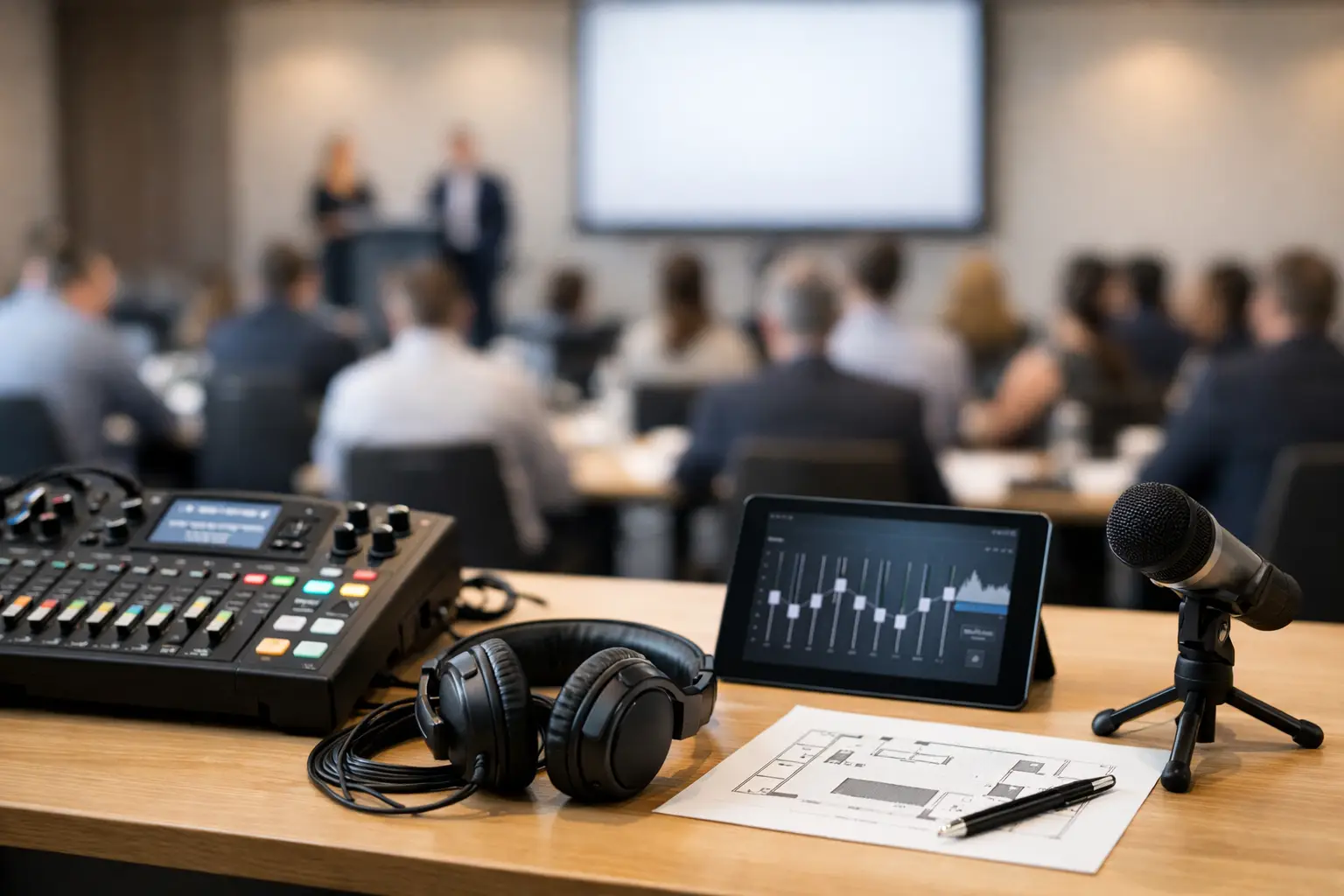
Budget-conscious production does not mean cutting every visible element. It means spending where the audience will actually feel the difference. Good audio is one of those areas. People will forgive a simple stage before they forgive bad sound. Clear speech reinforcement, reliable wireless microphones, and proper tuning are usually better investments than decorative upgrades with limited impact.
Visuals are similar. If your event depends on data, branding, or video storytelling, display quality is not optional. But the right solution depends on the room. Sometimes projection is the practical, cost-effective choice. In other cases, ambient light or room depth makes LED video walls the better call. There is no universal answer, and that is exactly why staging plans should be built around event conditions rather than trends.
Labor is another place where smart planning matters. Understaffing may look cheaper on paper, but it can create delays, rushed setup, and show-day risk. Overstaffing wastes money. The goal is a crew plan that matches the complexity of the show, the venue rules, and the turnaround schedule.
Show flow matters as much as stage design
Even a well-built stage can underperform if the show flow is clumsy. Corporate events often include walk-up music, presenter transitions, video roll-ins, award stings, lighting changes, and live Q&A. Those moments need a cue structure, not just equipment on site.
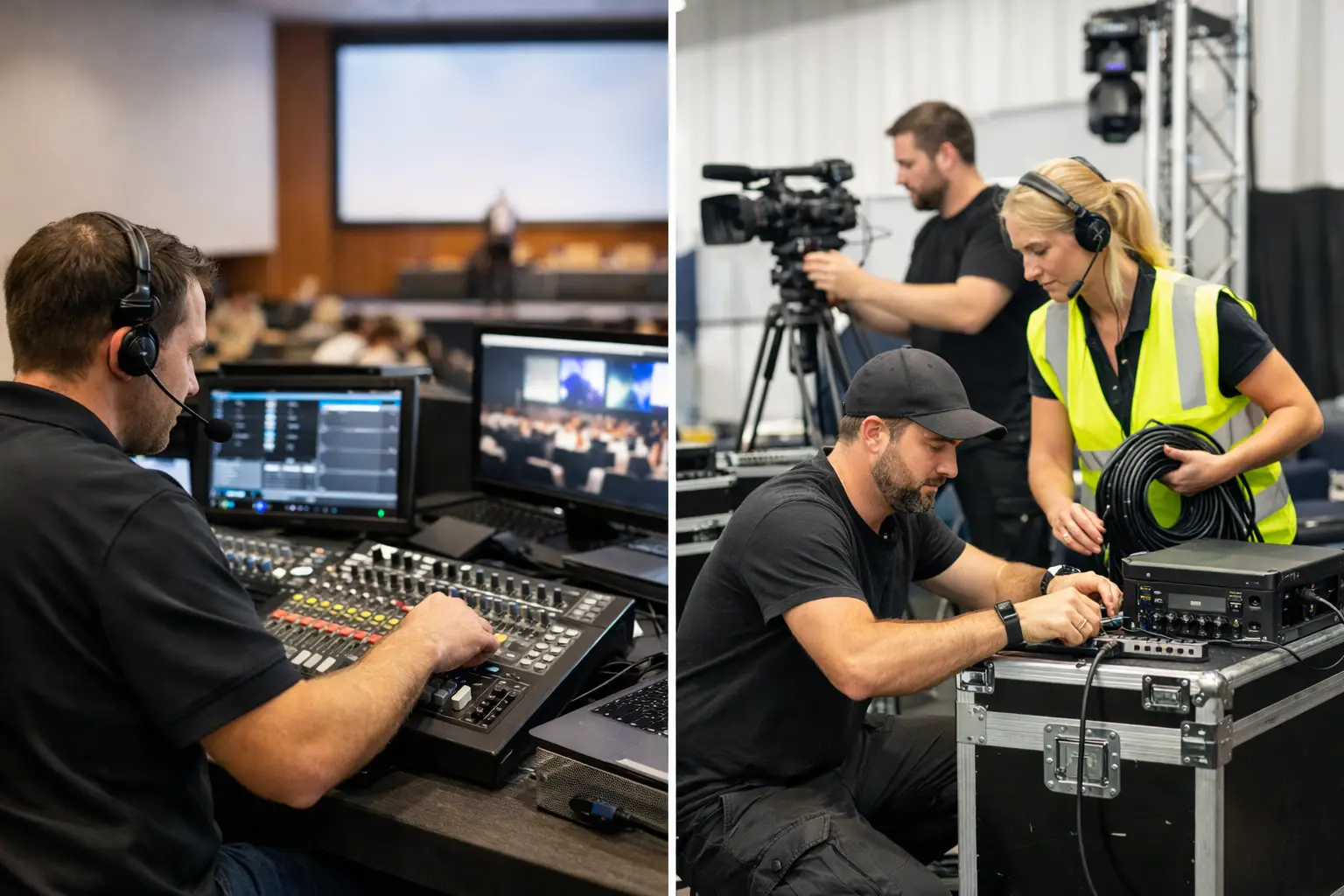
A practical corporate event staging guide includes show calling, rehearsal planning, and backstage communication. Speakers should know where to enter, where to stand, what mic they are using, and how slides will advance. Video playback should be tested in the exact format being used for the show. Lighting cues should support transitions rather than distract from them.
Rehearsal is where many problems get solved cheaply. On show day, the same problems are expensive. A speaker who decides at the last minute to leave the podium may need a different microphone and follow-spot coverage. A panel that grows from three chairs to five may force a stage reset and camera repositioning. These are manageable changes if the production team has planned for flexibility.
One vendor or several – what makes sense?
Some events work fine with separate providers for staging, audio, lighting, and video. If the scope is simple and your team has time to coordinate details, that approach can work. But once the event includes multiple technical disciplines, scenic elements, or complex scheduling, fragmentation usually creates more risk than savings.
A single production partner can align gear, labor, timing, and accountability from the start. That matters when show elements overlap. Lighting positions affect screens. Stage layout affects camera shots. Audio world placement affects seating and cable routing. When one team is responsible for the full picture, there is less room for crossed wires between vendors and fewer surprises during setup.
That is one reason many planners prefer a provider that can handle rentals, staging, crew, and production management under one roof. GeoEvent supports that model because it gives clients one accountable team from planning through teardown, whether they need a focused AV package or full event production support.
Final checks that save the show
Before event day, confirm the run of show, stage plot, power plan, content deadlines, labor calls, venue rules, and contact list. Make sure presentation files are collected early and tested on the actual playback system. Confirm who has final approval authority on site. If there is a live stream or recording component, review framing, lower thirds, and audio feed requirements in advance.
Most staging problems are preventable. They happen when assumptions replace planning, or when no one is responsible for connecting the room, the gear, and the show flow into one workable system. A well-staged corporate event feels calm because the hard decisions were made early, not because the day is naturally easy.
The best staging plan is the one that fits the program, the room, and the budget without forcing compromises that the audience will notice. When those pieces line up, the production does what it is supposed to do – support the message, strengthen the brand, and let your team walk into show day with confidence.