How to Choose Event Projector the Right Way
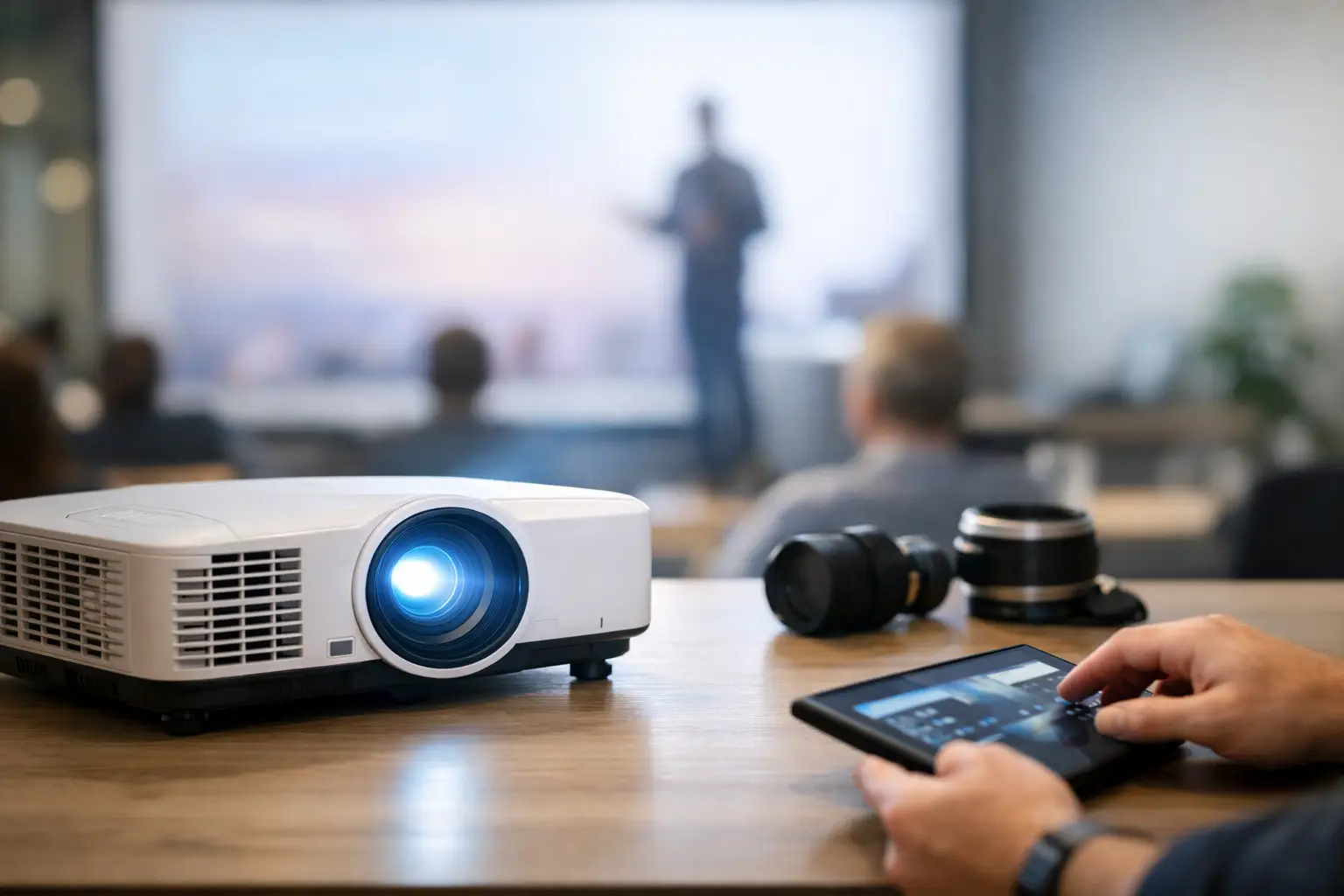
A projector that looks great in a showroom can fail fast once it hits a real event floor. Ballroom lights stay on for note-taking, windows wash out the image, scenic elements compete for attention, and suddenly the picture that seemed “good enough” is hard to read from the back row. If you’re figuring out how to choose event projector equipment, the right answer starts with the room and the audience, not just the projector spec sheet.
For most events, the goal is not simply getting an image on a screen. The goal is making sure every guest can clearly see content when the show is live, the room is occupied, and the schedule leaves no room for technical surprises. That means balancing brightness, resolution, throw distance, screen size, content type, and setup logistics in a way that fits both the production plan and the budget.
How to choose event projector based on the room
The venue drives more projector decisions than most clients expect. A projector for a dim breakout room is very different from one needed in a sunlit atrium, general session ballroom, or outdoor evening event where ambient light still lingers before sunset.
Start with ambient light. If the room can be fully darkened, you have more flexibility. If house lights need to stay on for safety, catering, or note-taking, you need more brightness to maintain contrast. The same goes for venues with windows or reflective surfaces. Bright rooms almost always require stepping up projector output, and that usually affects cost.
Next, look at viewing distance. If guests in the back of the room need to read spreadsheets, small text, or detailed visuals, image clarity matters more than it does for a photo slideshow or logo loop. A projector that works well for a wedding montage may not be the right fit for a sales meeting with dense presentation slides.
Ceiling height, rigging options, and projector placement also matter. Sometimes the ideal projector on paper is impractical in the space because the throw distance is wrong or the unit would end up blocking audience sightlines. In those cases, lens choice and mounting strategy become just as important as the projector itself.
Brightness matters more than most people think
If clients remember one thing about how to choose event projector rentals, it should be this: brightness is often the make-or-break factor. Projector brightness is measured in lumens, and too few lumens can make even high-quality content look dull and weak.
A small meeting room with controlled lighting may do fine with a lower-lumen projector. A conference general session, trade show booth, or stage presentation usually needs significantly more output. Larger screens also demand more brightness, because the projected image is spread over a bigger surface. As screen size goes up, the projector has to work harder to keep the image vivid.
There is a trade-off, though. More brightness generally means a larger, more powerful, and more expensive unit. That does not mean you should always choose the brightest option available. It means you should choose enough brightness for the real conditions of the event, with some margin for safety. Under-specifying to save money often creates a much bigger problem on show day.
Resolution depends on what you are showing
Not every event needs the same level of detail. Resolution should match the content, the screen size, and how close people will be paying attention.
If you are showing keynote slides with basic text and logos, standard high-definition may be enough. If the event includes detailed branding, product videos, spreadsheets, medical content, architectural renderings, or live camera magnification, higher resolution becomes more valuable. This is especially true on larger screens, where flaws are easier to spot.
A common mistake is paying for high resolution when the source content is low quality to begin with. Another is doing the opposite – using a lower-resolution projector for content that needs fine detail. The better approach is to evaluate the media package early. If presenters are sending mixed formats, old decks, and video files from different sources, a professional AV team can help catch issues before they become visible to the audience.
Screen size and aspect ratio need to match the event
Projector choice and screen choice go together. One of the fastest ways to create a poor viewing experience is to mismatch the projector’s native aspect ratio with the content and the screen.
Most modern corporate presentations are built in widescreen formats. If the screen and projector do not align with that format, you may end up with black bars, a smaller visible image, or awkward scaling. For branding-heavy events, that can make the show feel less polished than it should.
Screen size should be based on room depth, audience size, and the role visuals play in the program. If screens are supplemental, moderate sizing may be fine. If visual content is central to the experience, guests need a large enough image to engage comfortably from all seating areas. Bigger is not always better if the room cannot support it, but too small is a common problem that weakens the overall production value.
Throw distance, lensing, and placement can change everything
A projector’s throw distance determines how far it needs to sit from the screen to create the desired image size. This is where many self-planned events run into trouble. The projector may be bright enough and sharp enough, but if the room does not allow proper placement, the setup simply will not work as intended.
Short-throw lenses help in tighter spaces, while long-throw solutions are useful in deeper rooms or where the projector needs to be positioned far from the audience. Rear projection can improve aesthetics and reduce cable and sightline issues, but it requires enough space behind the screen. Front projection is often simpler, though it can introduce shadows or visual distractions if people cross the beam path.
This is one of those areas where planning saves money. A projector that technically fits the event’s visual needs may still require different rigging, drape, staging, or screen support than expected.
Content type should influence your projector choice
Think about what will actually be on screen during the event. Presentation slides, sponsor loops, cinematic video, IMAG, worship graphics, and trade show demos all place different demands on the system.
Text-heavy content needs sharpness and good contrast. Video-heavy content benefits from strong color performance and motion handling. If the show includes live camera feeds, switching, or multi-source playback, compatibility across the signal chain matters. A projector is only one piece of the visual system, and problems often come from the connection path rather than the display device itself.
If multiple presenters are involved, build for flexibility. Events rarely run exactly as planned, and a projector setup should be able to handle last-minute laptop swaps, resolution changes, and backup inputs without disrupting the program.
Budget matters, but so does risk
Most clients are balancing production goals against a fixed budget. That is normal, and a good rental partner should help you spend where it counts instead of automatically pushing the highest-end option.
The smart question is not “What is the cheapest projector I can rent?” It is “What projector meets the show requirements without exposing the event to avoidable risk?” For a casual private event, there may be room to simplify. For a conference opener, investor meeting, or branded public event, the cost of a dim or failed projection system is usually far greater than the rental savings.
This is also where labor and support matter. A projector rental without delivery, setup, testing, and on-site troubleshooting may look less expensive at first. But if the event has tight timing, complicated content, or no in-house technical team, service support is often what protects the event from expensive mistakes. That is why many clients working in markets like Los Angeles, San Diego, San Francisco, and Las Vegas prefer one production partner who can handle the equipment and the live execution together.
Questions worth answering before you book
Before selecting a projector, know the venue lighting conditions, screen size, throw distance, content type, audience size, and who will manage setup and operation. Also ask whether the event needs confidence monitors, backup playback, audio integration, or scenic coordination. Those details can change the right recommendation quickly.
If you are unsure about any of them, that is usually a sign to involve an experienced AV team early. At GeoEvent, we see this often with clients who know what they want the audience to experience but need help translating that into the right gear package and support plan.
The best projector choice is the one that disappears into a smooth show. Guests should remember the message, the visuals, and the experience – not the screen they struggled to see.