Best Trade Show Display Screens for Busy Booths
A crowded trade show floor gives attendees only a few seconds to decide whether your booth deserves their attention. The best trade show display screens do more than play a looped presentation. They make your message readable from the aisle, support real conversations at the booth, and keep your brand looking polished through every hour of the show.
Choosing the right screen is not simply a matter of buying the largest display your budget allows. Venue lighting, booth footprint, viewing distance, content type, rigging rules, and installation time all affect what will perform best. A screen that looks impressive in a conference room can disappear under exhibit hall lighting. A massive LED wall can be unnecessary for a small tabletop activation. The right solution is the one that earns attention without creating extra production risk.
Start With What Your Screen Needs to Do
Before comparing display sizes or resolutions, define the job the screen needs to perform. A booth with a product demonstration has different requirements from a brand awareness activation or a theater-style presentation area.
For product demos, viewers need to see interface details, product features, and close-up video clearly. A large-format LCD display or a high-resolution LED display positioned near the presenter can work well. If the goal is to stop traffic from across the aisle, motion graphics, bold brand colors, and large readable headlines matter more than tiny visual details.
Consider how long people will engage. A screen intended for a three-minute sales presentation should support seated or standing viewers at a comfortable distance. A screen designed to attract passing attendees needs immediate impact, even when someone sees it for only two seconds. These are different jobs, and they often call for different equipment.
It also helps to decide whether the display will be a background element or the center of the booth experience. When video is central to the activation, plan the screen, audio, power, playback, and staffing together. Treating the display as a last-minute add-on is one of the fastest ways to create an underwhelming result.
Best Trade Show Display Screens by Booth Need
There is no single best screen for every exhibit. The most effective option depends on your venue, message, and physical setup.
Large-format LCD displays for clear, close viewing
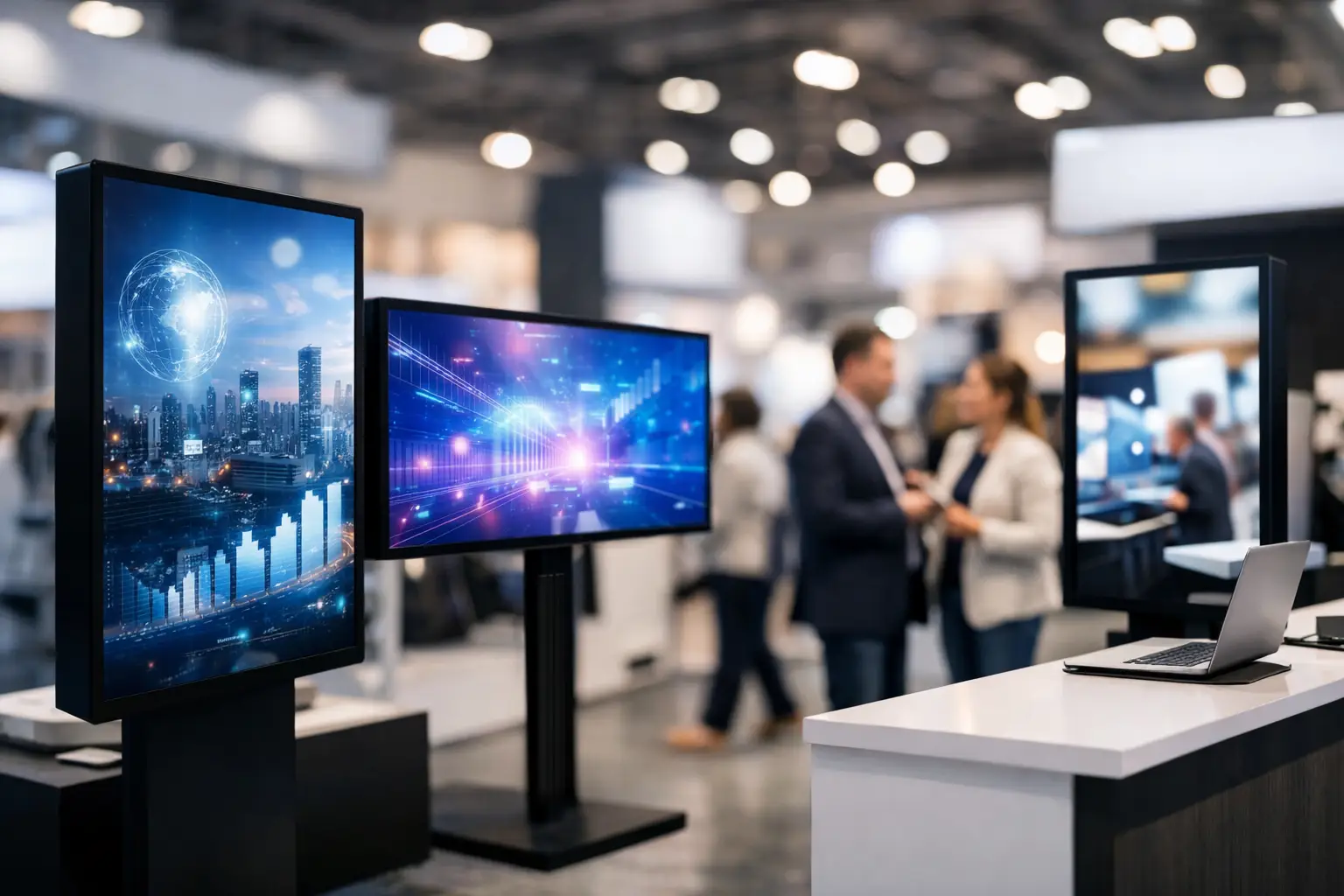
Commercial LCD displays are a practical choice for many standard booth layouts. They provide sharp images, reliable color, and strong value for presentations, product videos, digital signage, and lead-capture stations. Sizes from 55 to 86 inches are common, with 65- and 75-inch displays often fitting well in inline booths and meeting areas.
These displays work especially well when attendees will stand relatively close to the screen. They are also easier to use when your content includes small text, software interfaces, charts, or detailed photography. A professional display on a proper stand can make a much stronger impression than a consumer TV placed on a folding table.
The trade-off is brightness and scale. In a brightly lit exhibit hall, a standard LCD may not carry as far as an LED video wall. It also has a visible bezel, which can limit the visual impact if you need a wall-sized canvas.
LED video walls for aisle-stopping impact
LED video walls are often the strongest choice for brands that need to be seen across a busy show floor. Their brightness, scale, and modular format make them ideal for large booth backdrops, product launches, sponsor walls, and immersive branded environments.
Unlike a projected image, an LED wall holds up well under ambient light. It can be built in a wide range of dimensions, allowing the display to fit the architecture of the booth rather than forcing the booth to fit a fixed screen size. It is a strong option for exhibitors who want high-energy motion graphics, dramatic video content, or a visual anchor that makes the booth easy to locate.
Pixel pitch matters here. A tighter pixel pitch creates a sharper image for viewers standing close to the wall, while a wider pitch may be appropriate for a display meant to be seen from farther away. Choosing too wide a pitch for a compact booth can make text and faces look coarse up close. Choosing an ultra-fine pitch for a distant viewing application can spend budget where attendees will not see the difference.
LED walls require more planning than a single display. You need adequate power, safe cable paths, proper structural support, content formatted to the wall’s resolution, and a crew that can assemble and test the system. For a high-stakes exhibit, that added planning is usually worth it.
Projection for controlled environments and large surfaces
Projection can create an impressive image at a lower equipment cost than a comparably sized LED wall, particularly when you have a controlled lighting environment. It is useful for enclosed booths, breakout rooms, presentation areas, scenic projections, and large screen applications where ambient light can be managed.
The key question is lighting. Trade show halls are rarely dark, and overhead fixtures can wash out a projected image quickly. A bright projector helps, but it cannot solve every lighting challenge. Projection also requires a clean sightline from projector to screen, which can compete with booth traffic, lighting fixtures, and overhead signage.
When projection is used well, it can feel elegant and cinematic. When it is used in the wrong environment, it can look faded before the first attendee arrives. Review the venue lighting plan and booth orientation before committing to it.
Interactive displays for qualified conversations
Touchscreen displays are valuable when the goal is deeper engagement rather than pure visibility. They can support product configurators, interactive maps, digital catalogs, surveys, and self-guided demonstrations. For busy teams, an interactive station can give attendees something useful to do while sales staff finish another conversation.
The experience needs to be simple. A touchscreen that requires lengthy instructions or has too many menu layers will create a line without generating meaningful engagement. Keep the interface focused, provide a clear starting point, and have a backup plan if connectivity is unreliable. Local content playback is often safer than depending entirely on venue Wi-Fi.
Size, Placement, and Viewing Distance Matter More Than You Think
A screen can be technically excellent and still fail because it is placed poorly. Start by identifying where attendees approach your booth. A display facing the main aisle may need large headline text and high-contrast visuals. A display inside the booth can carry more detailed information for attendees who have already stopped.
As a general rule, the farther away your audience is, the larger your type and visual elements need to be. Avoid treating a screen like a printed brochure. If your key message cannot be understood at a glance, simplify it. Short statements, large product imagery, and purposeful motion generally outperform dense slides.
Screen height also affects performance. A display mounted too low may be blocked by attendees, furniture, or booth counters. Mounting it too high can make product details difficult to see and can force viewers into an uncomfortable angle. For large video walls, make sure the most important content stays within the natural eye line of people standing nearby.
Plan the Technical Details Before Show Day
The visual display is only one part of the system. Reliable trade show execution depends on the details behind it: power distribution, playback hardware, cables, mounting, networking, signal backups, and on-site support.
Use commercial-grade mounting and stands designed for public environments. Secure every cable route, especially in spaces where staff and attendees will be moving constantly. Confirm power availability with the venue early, since exhibitor electrical service can be expensive and power drops may not be located where your booth design expects them to be.
Content should be tested on the actual display format before doors open. Video that looks right on a laptop can appear cropped, stretched, or poorly scaled on an LED wall or vertical display. Bring a backup playback device and keep critical media available locally. If the screen is a major part of your booth strategy, a technician on-site can protect your investment when a small issue needs immediate attention.
For exhibitors across Los Angeles, San Diego, San Francisco, or Las Vegas, GeoEvent can coordinate display rentals, LED walls, playback, staging, and experienced technical support as one production plan. That single point of accountability helps reduce the usual handoffs between booth builders, AV vendors, and venue teams.
Match the Screen to the Budget You Actually Have
A practical screen plan allocates budget according to impact. If video is your main traffic driver, it makes sense to invest in a brighter, larger, or more customized display. If your team’s primary goal is private sales conversations, a well-placed commercial display and a clean presentation setup may deliver better returns than a large LED installation.
Do not overlook the costs around the screen itself. Delivery, labor, electrical service, truss or ground support, video processing, and teardown can change the total significantly. The lowest rental price is not always the lowest final cost if it requires multiple vendors or leaves your team responsible for technical coordination.
The strongest trade show display is the one that fits your audience, your booth, and your operating plan. Build the visual experience around the message attendees need to remember, then give the production team enough time to make every screen, cable, and signal perform when the floor gets busy.